How do I create approvals?
Overview
Fides makes it easy to request and manage approvals. Whether you need authorization for a specific action or transaction, approval for an expense, or input from legal counsel or external advisors, Fides streamlines the entire process.
Every approval includes a transparent audit trail and is automatically stored for future reference, ensuring a clear and sustainable record of all approval activities.
Creating an approval
To create an approval:
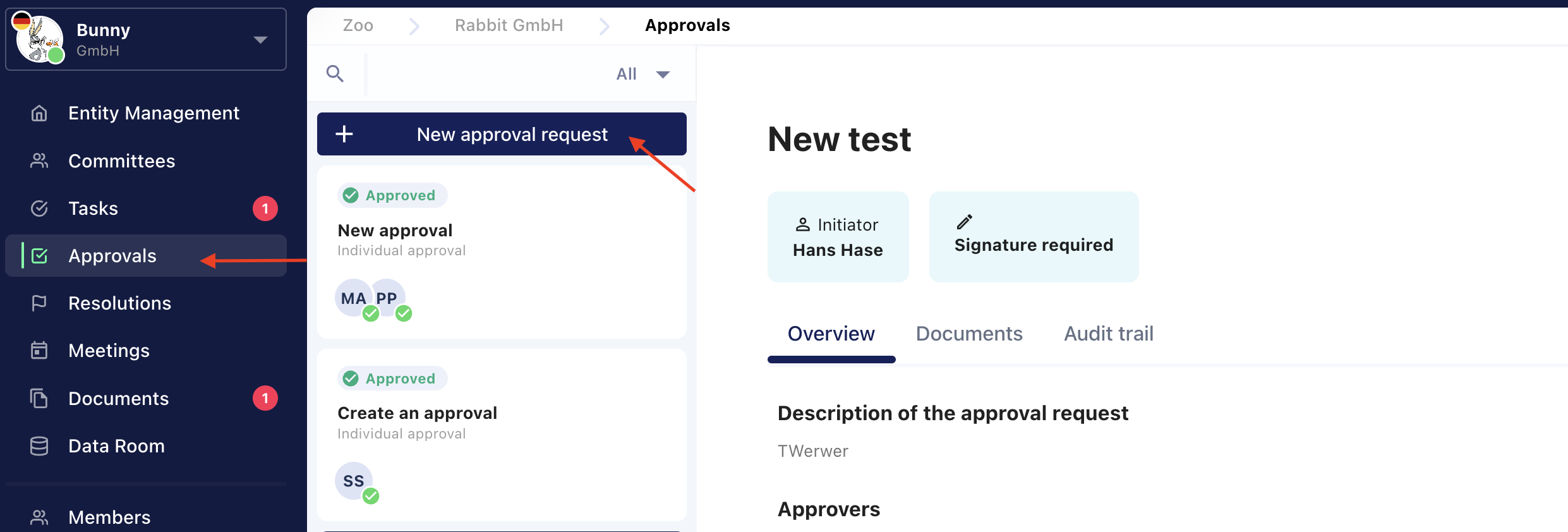
- Navigate to the Approvals tab.
- Click + New Approval.
- Complete the required information, including:
- The approval title and description.
- The person or people who need to approve the request.
- (Optional) Configure additional settings, such as:
- A due date.
- Whether a signature is required in addition to the internal approval.
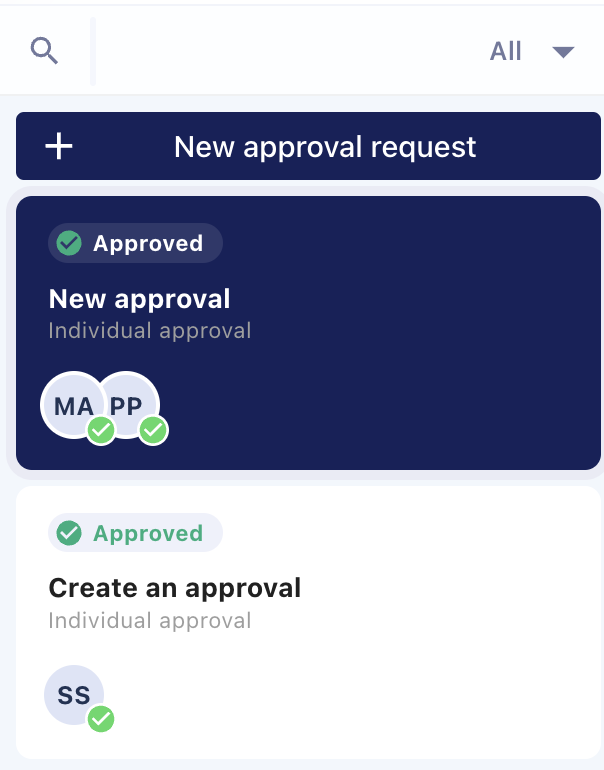
You can monitor the status of your approval at any time from the overview in the left-hand navigation panel.