Login: How can I log in to Fides?
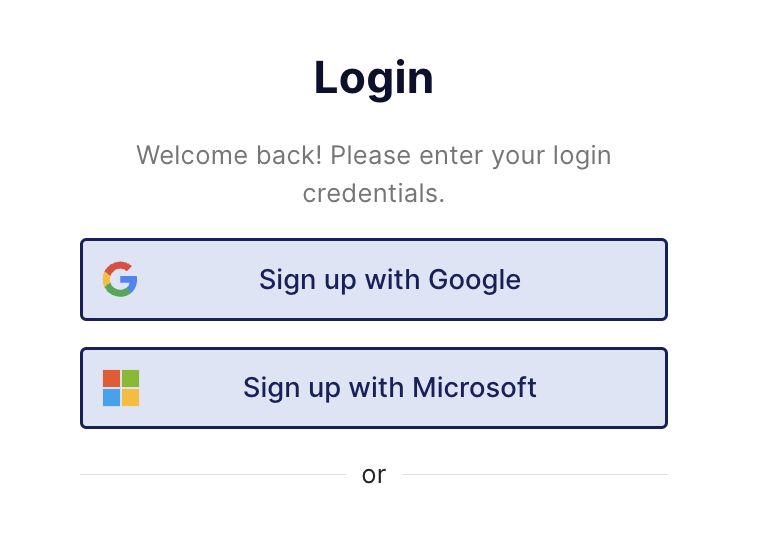
Once you have been invited to a Fides account, you can log in using one of the following methods.
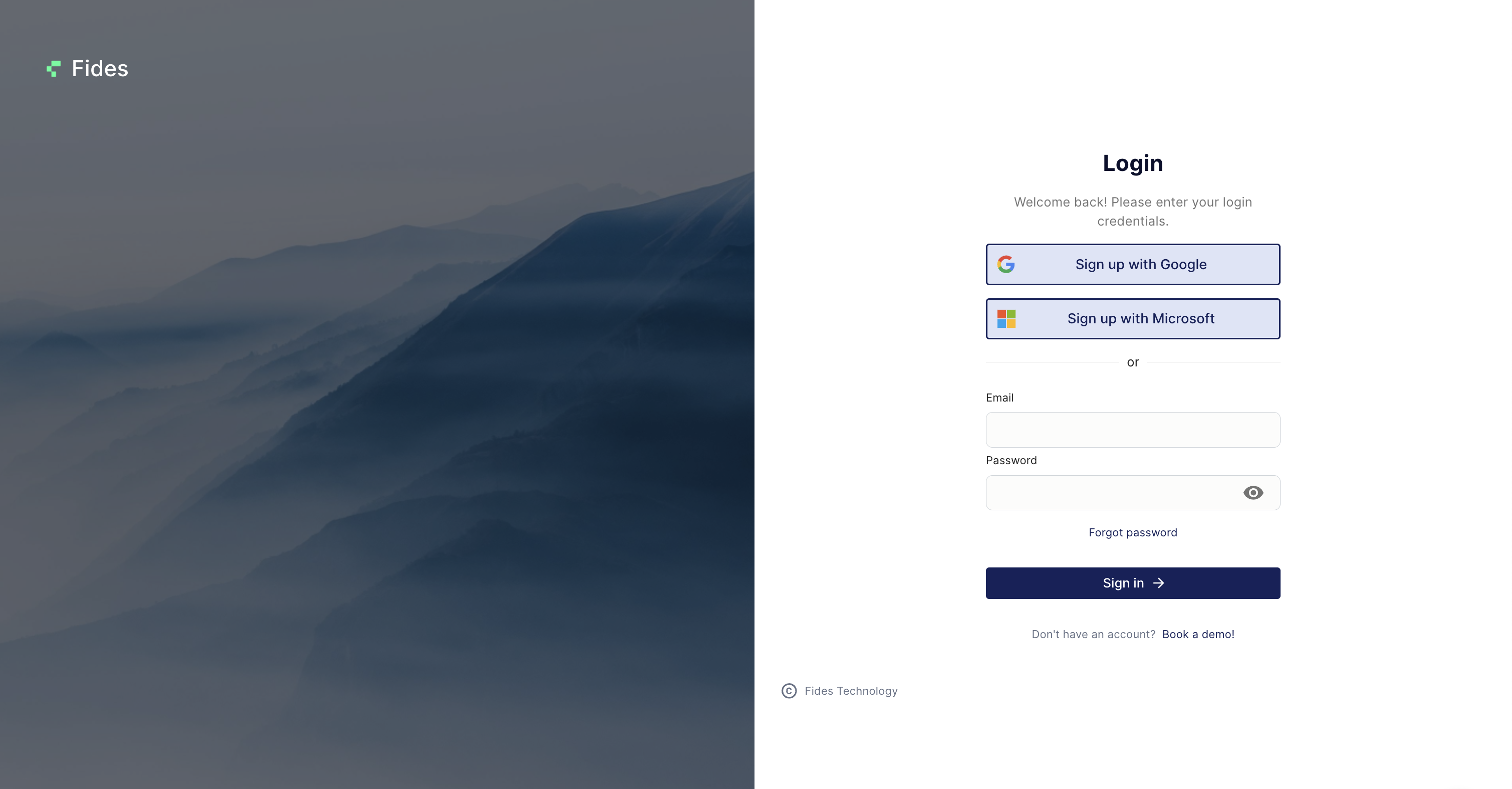
- Log in with your email address & password
You can log in using your company email address and the password you created when setting up your account. This login method is available unless your organization uses Single Sign-On (SSO) as the required authentication method.
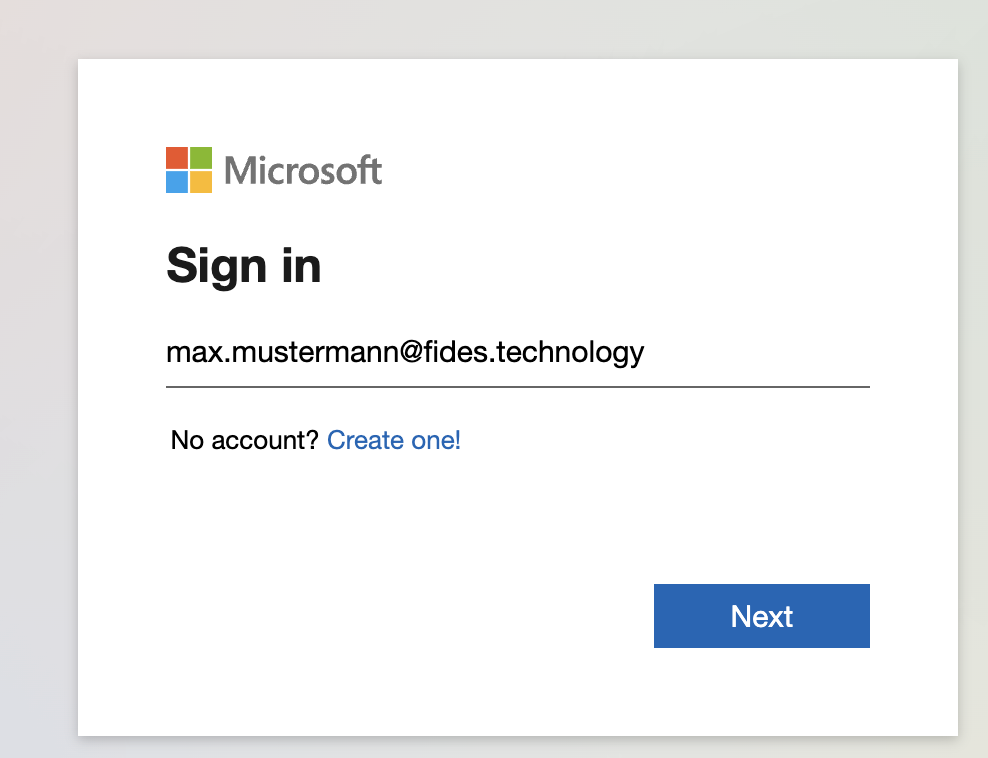
- Log in with Single Sign-On (SSO)
If your organization has configured a Single Sign-On (SSO) integration with Fides, you can log in using your company’s identity provider. Depending on your organization’s setup, you may need to access Fides via a company-specific login URL. SSO is typically configured to meet your organization’s internal IT security requirements. If you are unsure which login method to use, please contact your internal IT team.