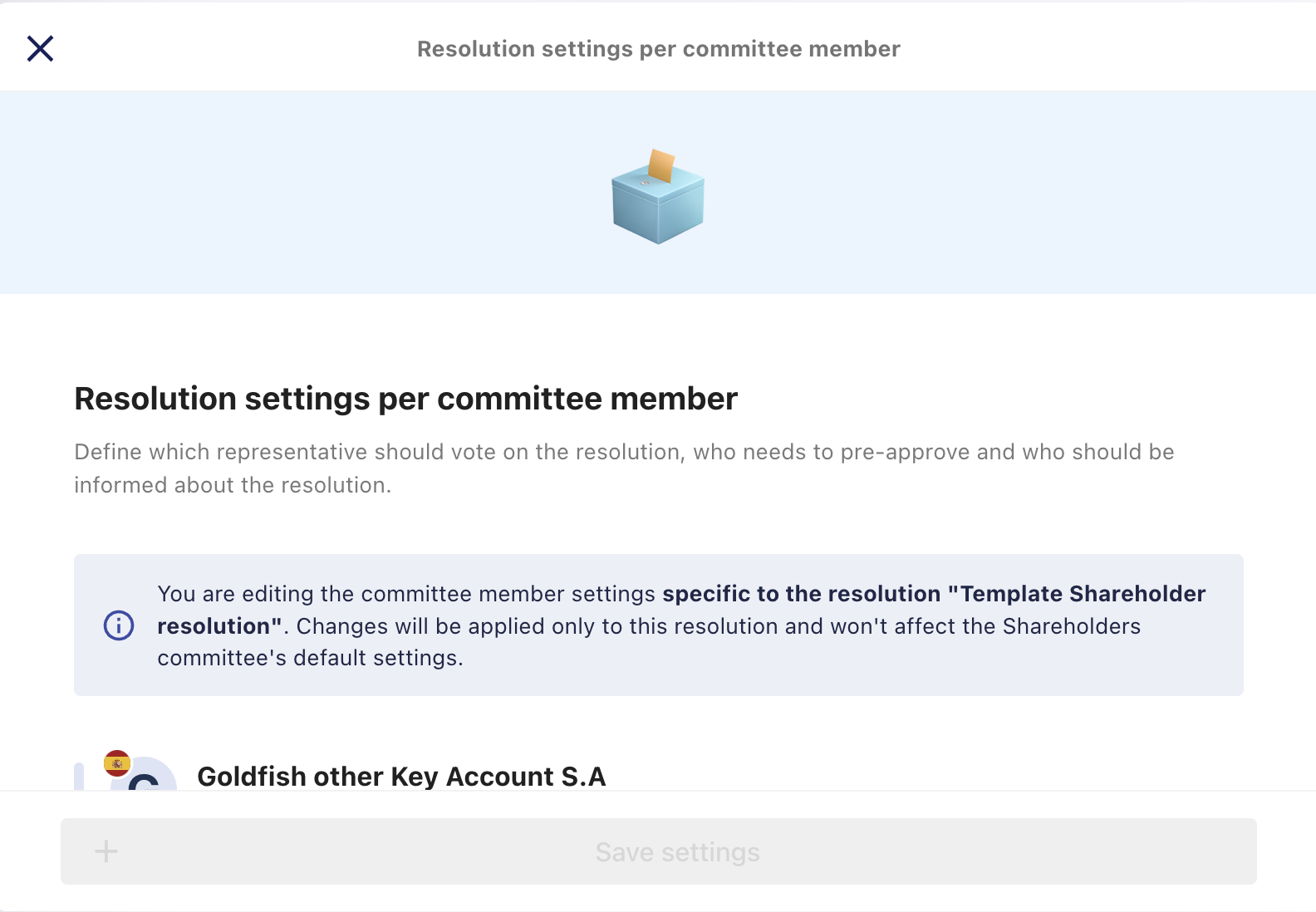
What can I do from the Participants tab?
The Participants tab provides an overview of everyone involved in a resolution and allows you to manage participant-related actions.
From this tab, you can:
View participant statuses
See the current status of each participant in the resolution.
Resend email notifications
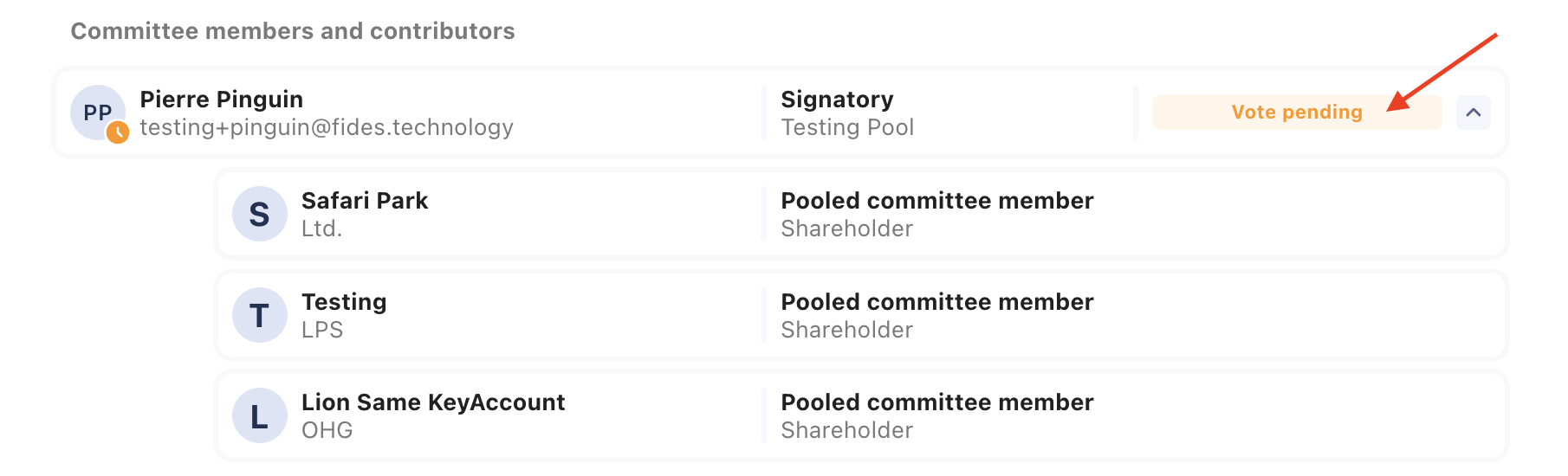
To resend an email notification:
- Open the resolution.
- Select the participant you want to notify.
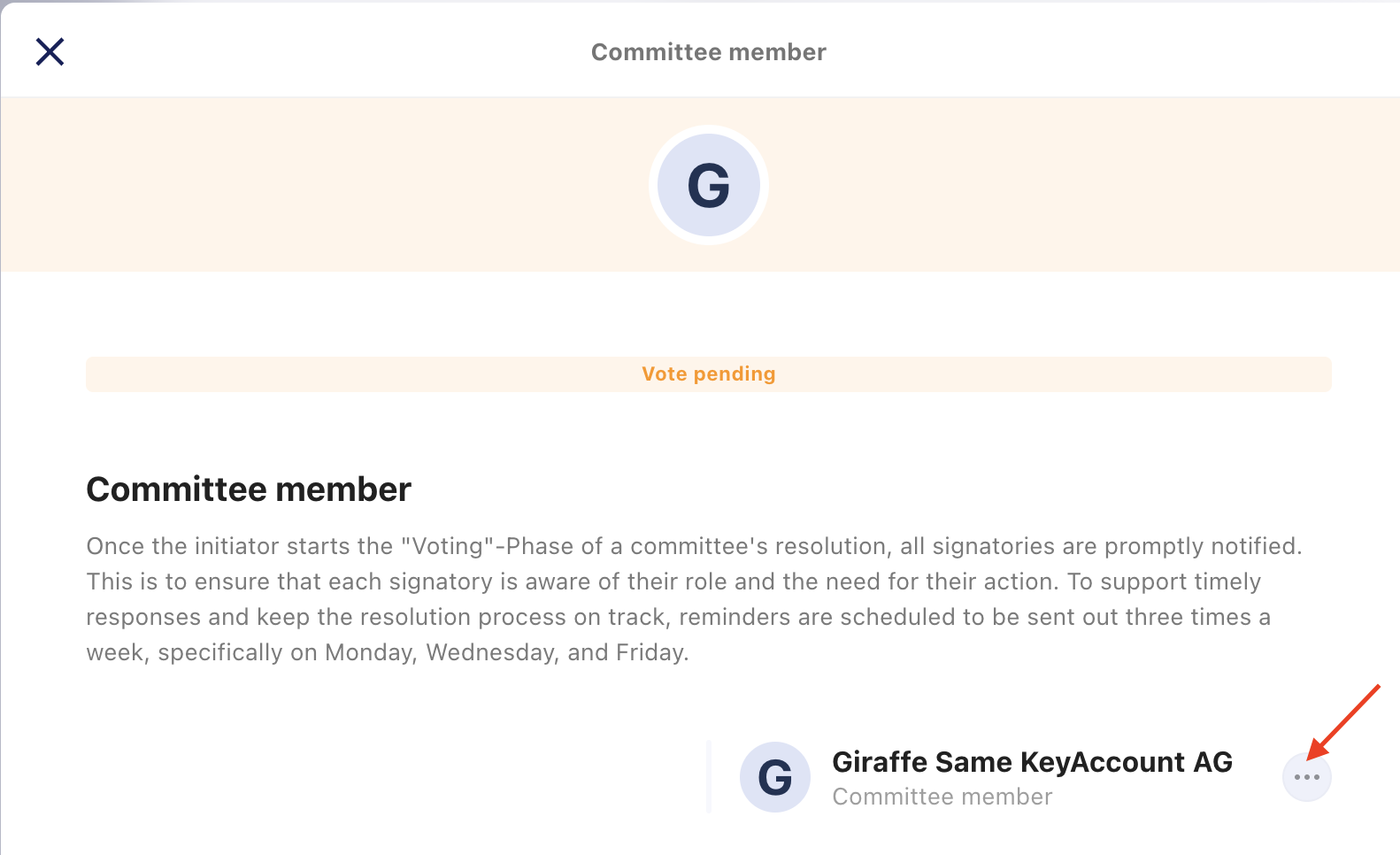
- Click the three-dot menu (⋮) on the right.
- Select the option to resend the email.
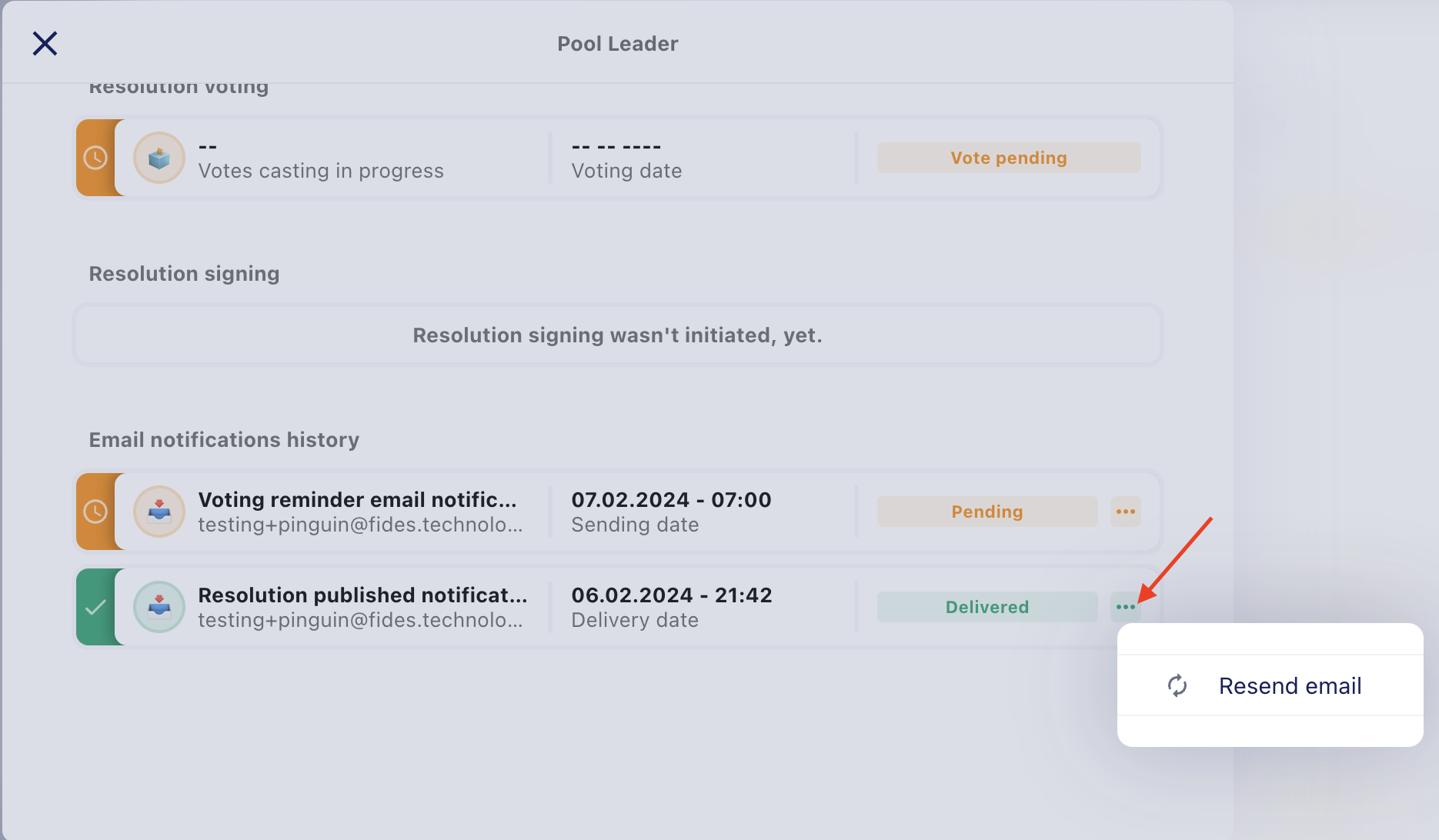
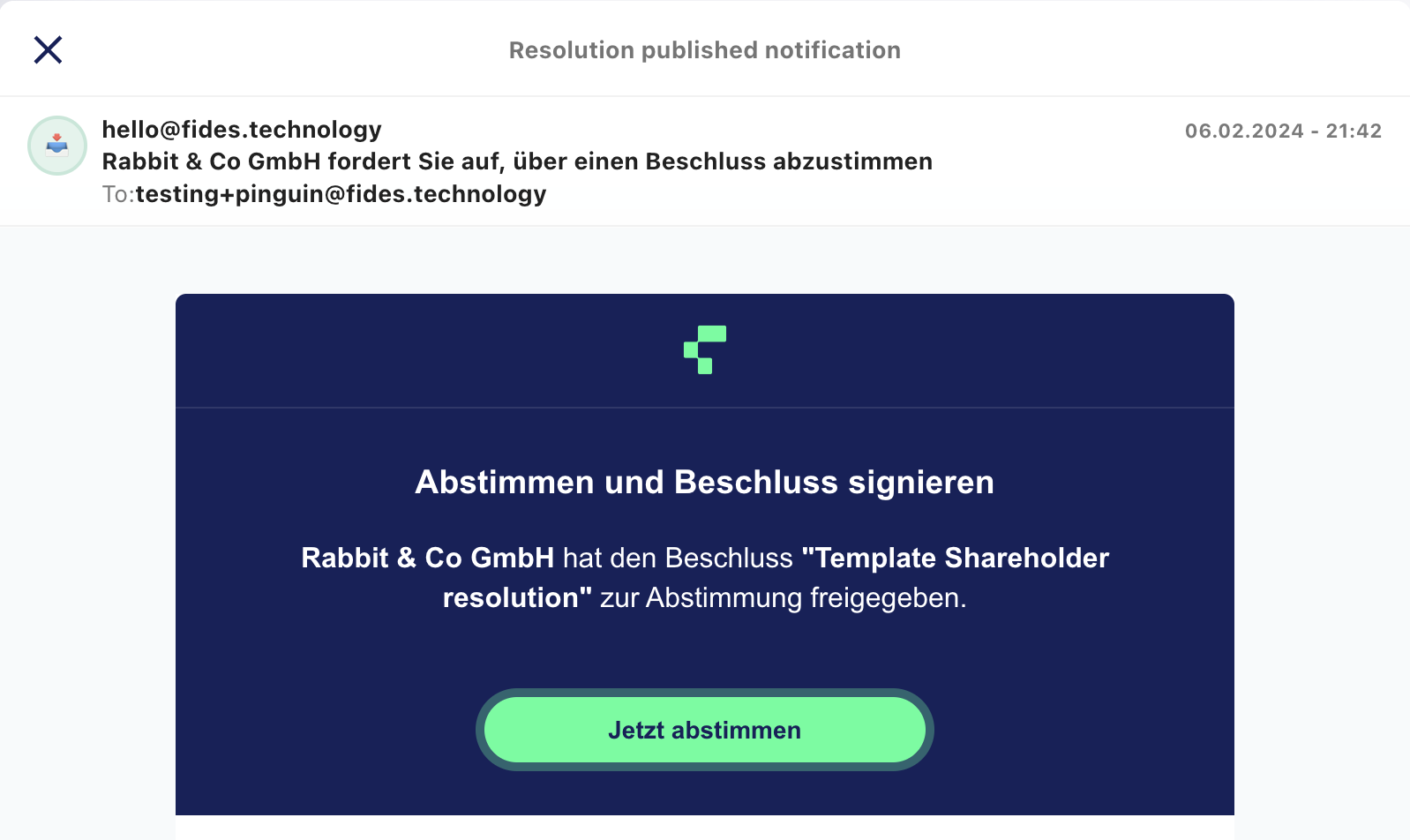
View email notification history
To check the status of emails that have already been sent:
- Open the resolution.
- Select the participant whose email history you want to view.
- Open the Email Notification History.
From there, you can see the delivery status of each email and preview the email that was sent.
Edit a resolution in progress
To update a resolution that is already in progress:
- Open the resolution.
- Click the three-dot menu (⋮) on the right.
- Update the resolution settings as needed.
Note: If a participant has already signed the resolution and you add another required signer, the original signer must sign the resolution again before it can be completed.