
How do I see who voted and signed a resolution?
You can easily track who has voted on and signed a resolution.
- Navigate to Resolutions.
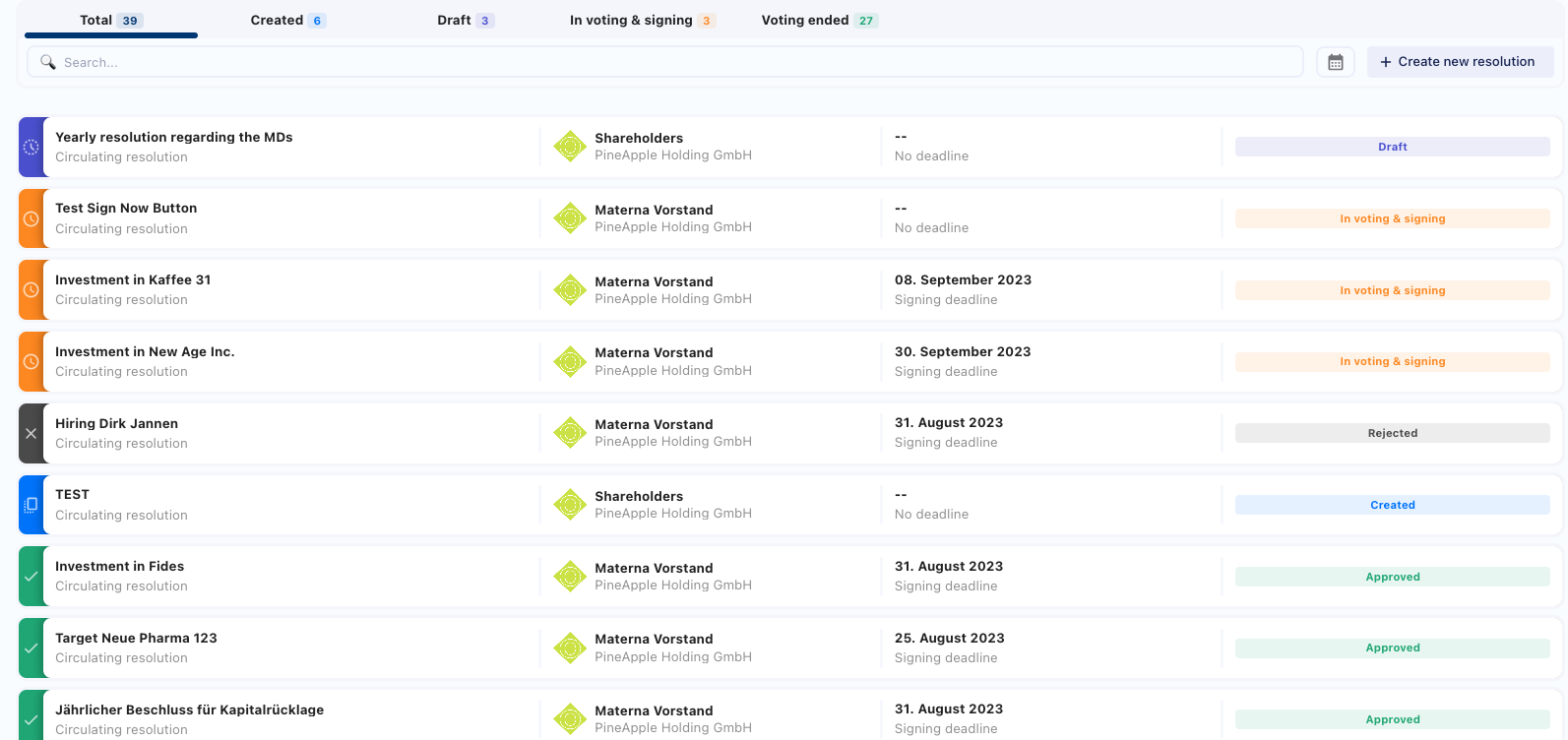
- Select the resolution you want to view. You can also click the Signatures box for that resolution.
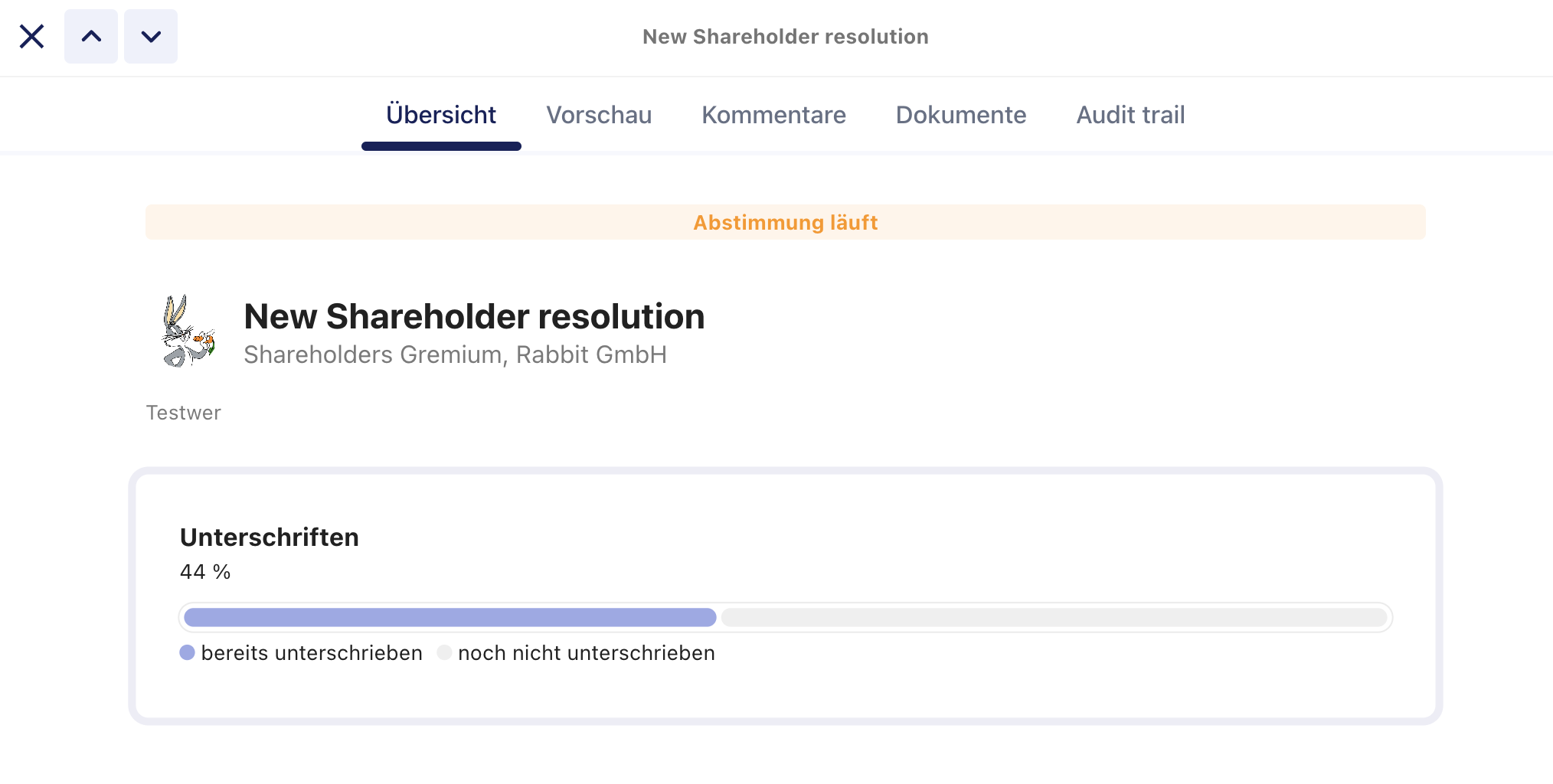
A pop-up window will open, displaying all members who are eligible to vote.
From this window, you can:
- View the percentage of eligible members who have already voted.
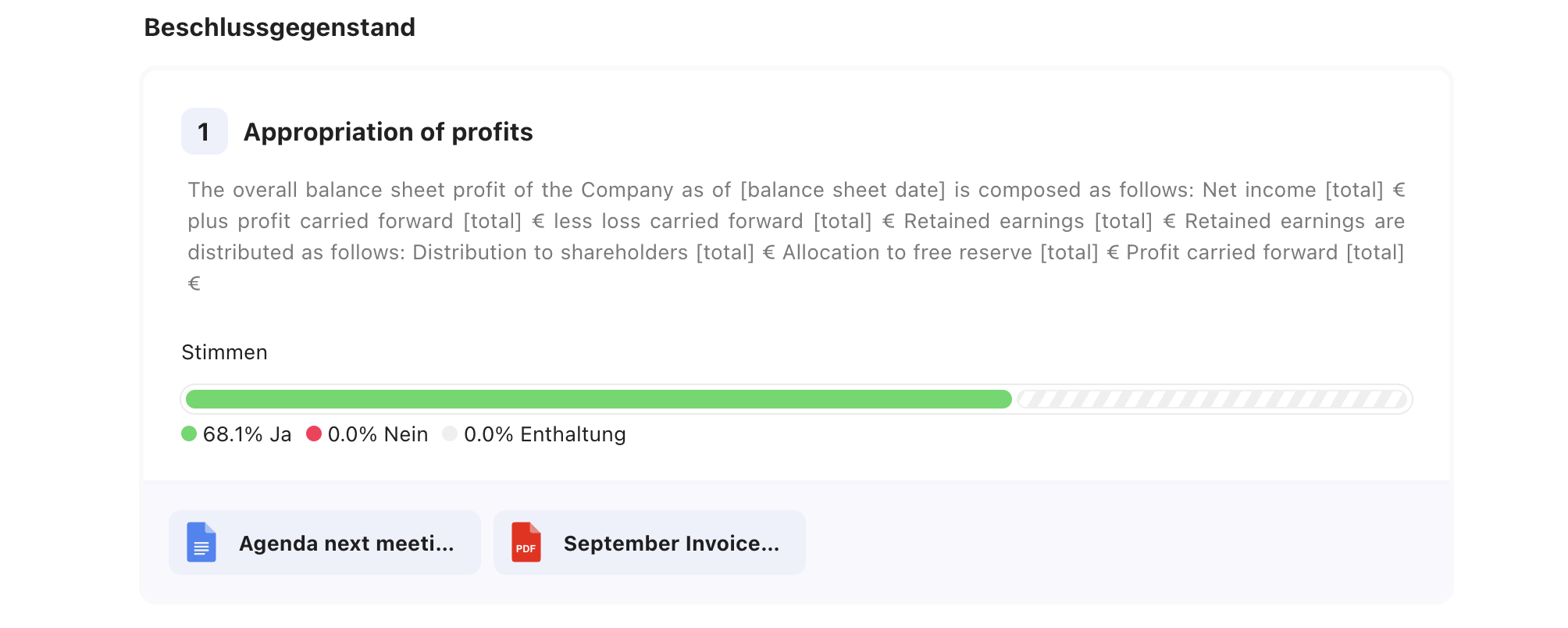
- Select the Signing tab to see which participants have already signed the resolution.