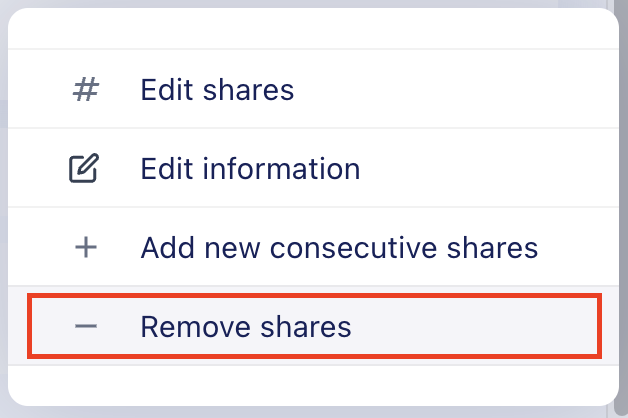
How do I delete shares in the Cap Table?To delete shares:Go to Cap Table.Locate the relevant shares.Click the ⋮ (three-dot) menu next to the shares.Select Remove shares.