
How can I vote through a Pool or Trust?
Fides allows you to manage voting through a pool or trust structure. While the legal relationship differs, both are configured and managed in the same way within Fides.
Step 1: Create a Pool or Trust
- Go to Entity Management > Cap Table.
- Click the ⋮ (three-dot) menu next to Share Classes.
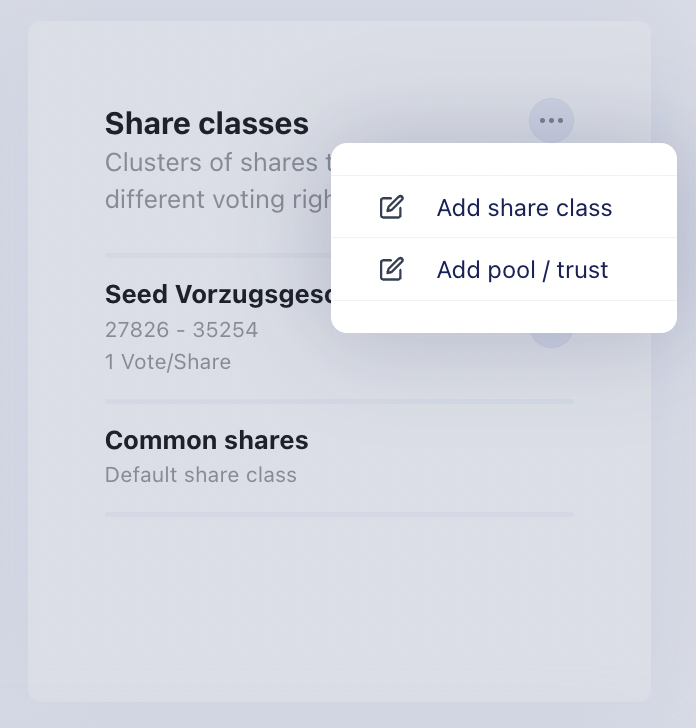
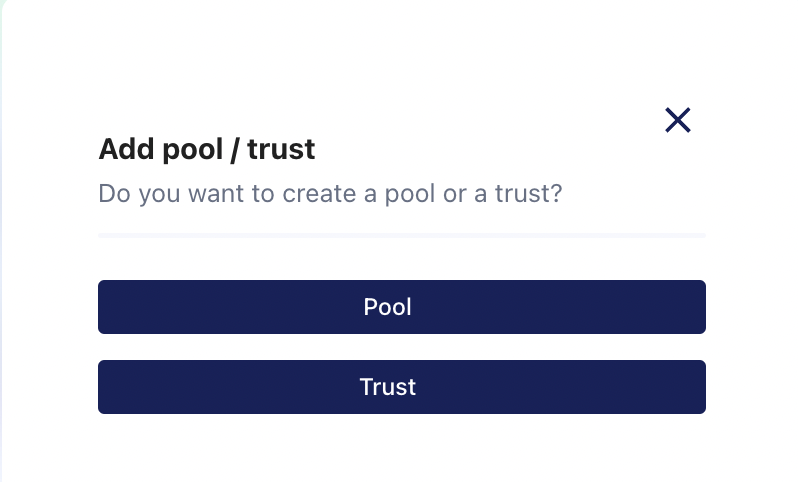
Choose whether to create a Pool or a Trust.
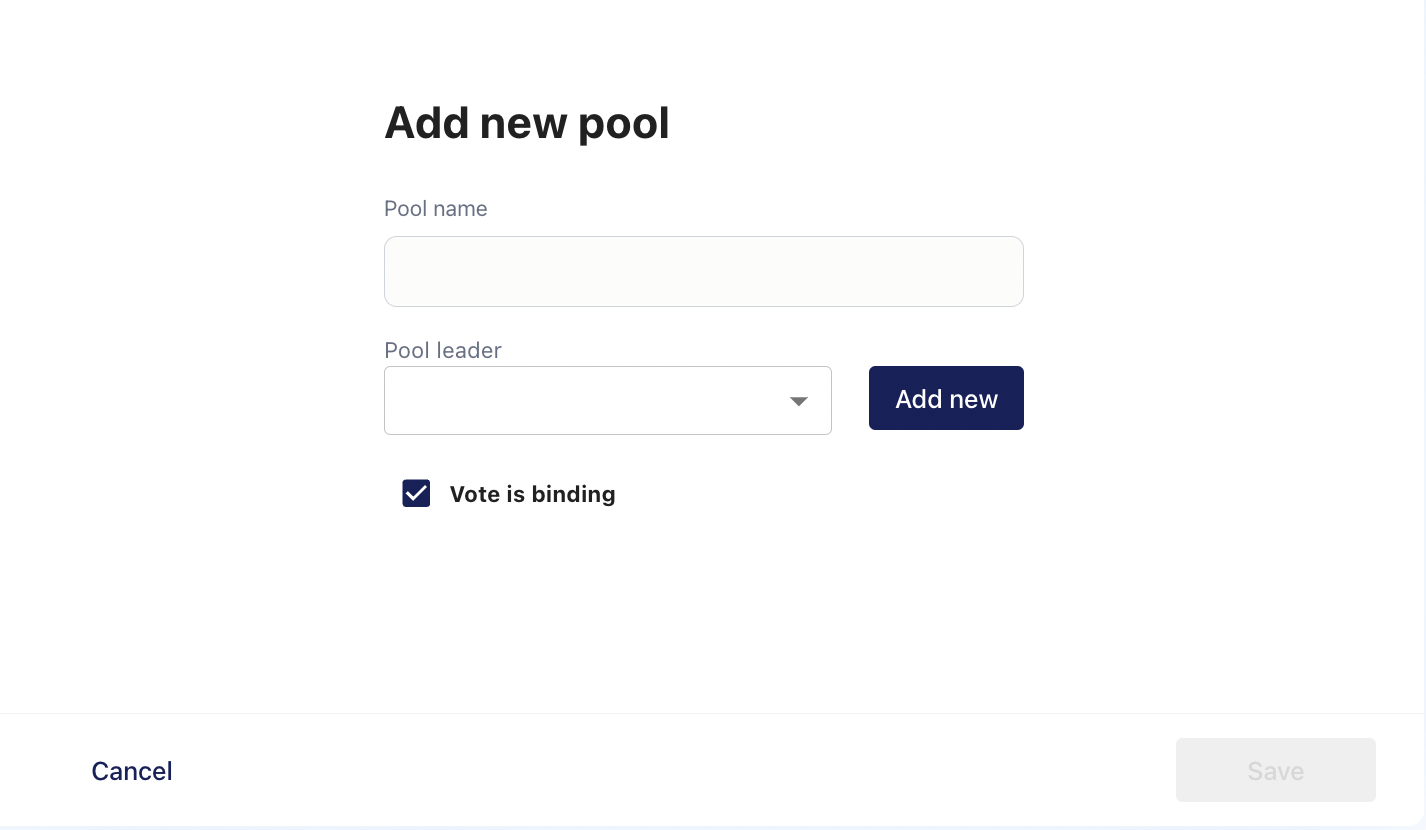
Enter a name for the pool or trust and specify the Pool Leader or Trustee.
Indicate whether the pool or trust is subject to vote binding. Vote binding means that the members have agreed to exercise their voting rights uniformly. In this case, the Pool Leader or Trustee casts a single vote on behalf of all members.
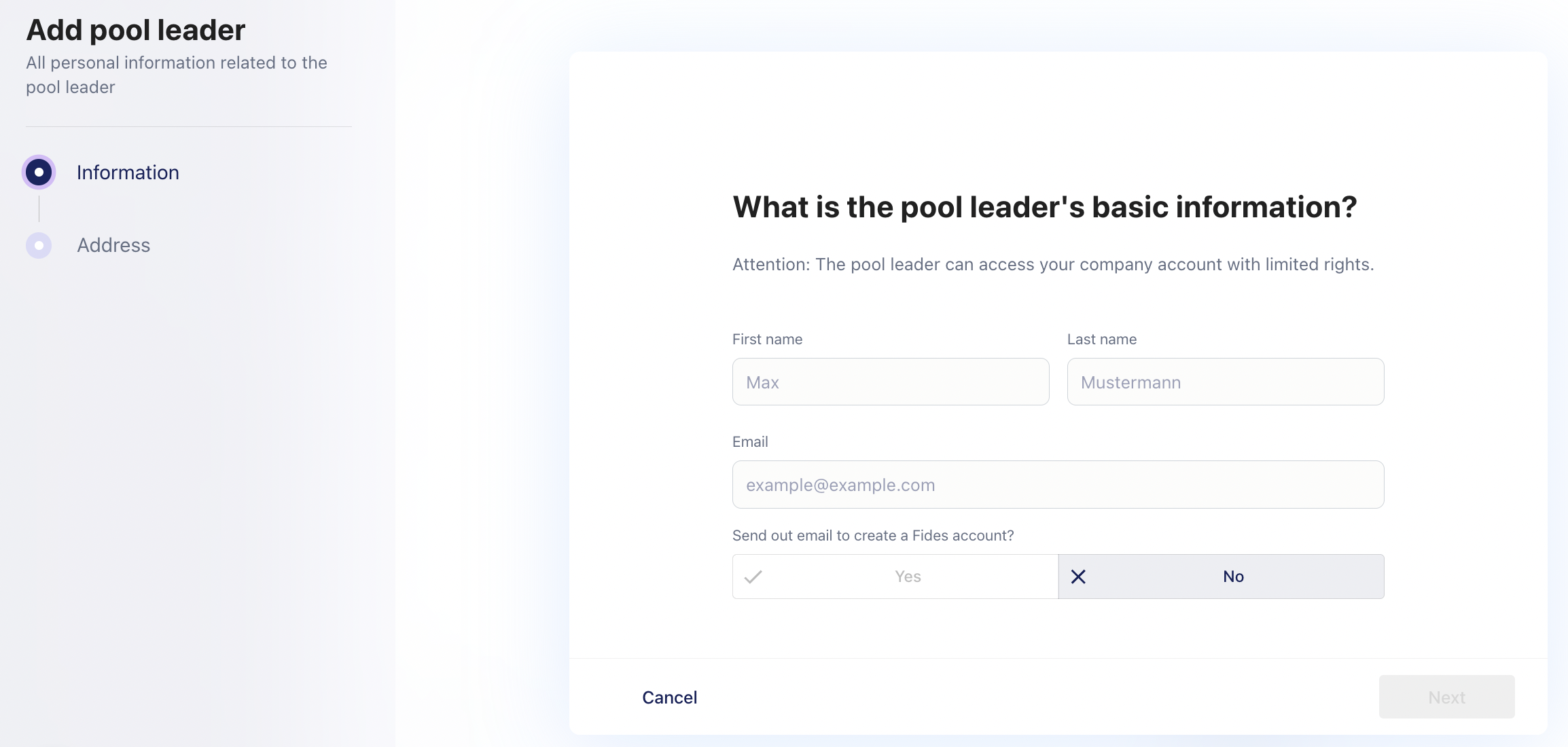
Select an existing Fides member as the Pool Leader or Trustee, or add a new member.
Once created, the pool or trust will appear at the bottom of the Cap Table.

Step 2: Assign shareholders
You can assign shareholders to a pool or trust either when creating a new shareholder or afterwards.
To assign an existing shareholder:
- Click the ⋮ (three-dot) menu next to the shareholder’s shares.
- Select the appropriate pool or trust.
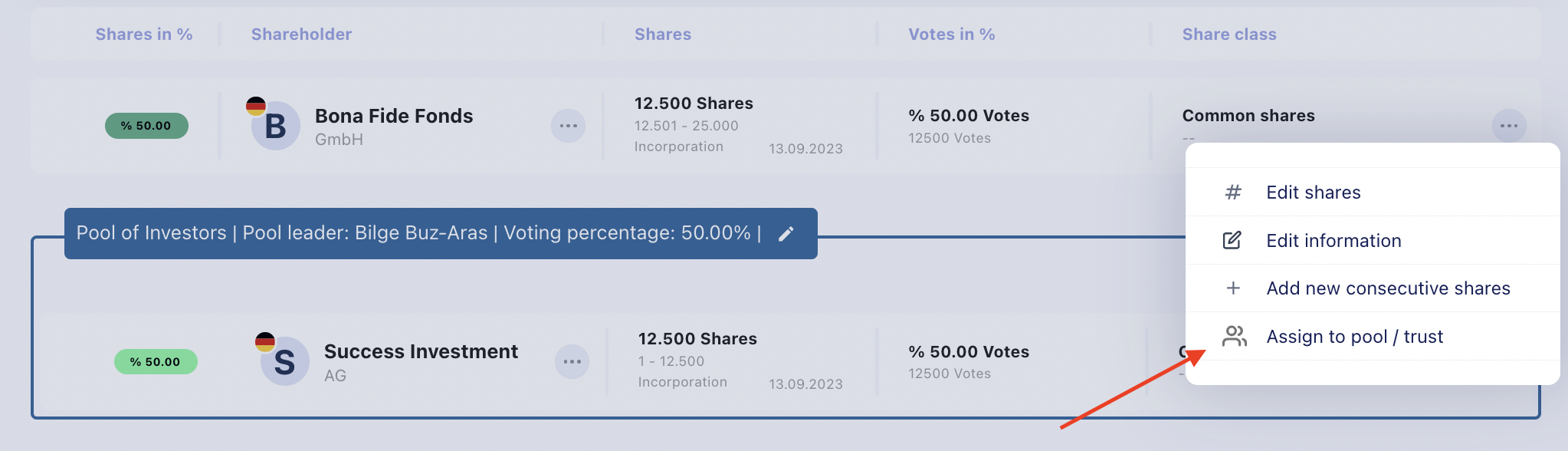
The voting rights of the pool or trust are updated automatically based on the voting rights of its members.
Note: Trusts are created and managed using the same process as pools.
Step 3: Voting Within the Pool or Trust
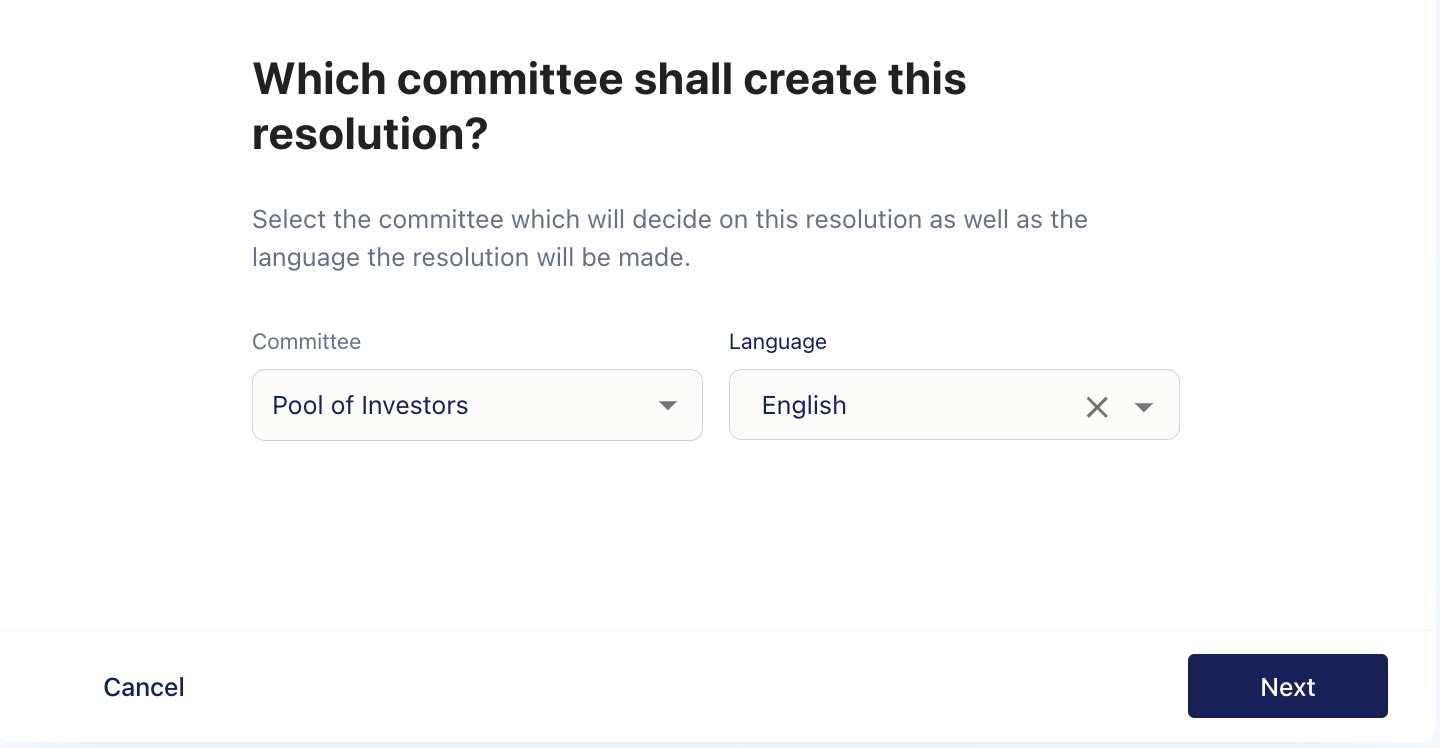
When you create a pool or trust, Fides automatically creates a corresponding committee.
This allows members to discuss and vote on resolutions within the pool or trust before participating in shareholder resolutions. The Pool Leader or Trustee can then determine the group’s decision based on the outcome of the internal vote.
Step 4: Vote on Shareholder Resolutions
When a shareholder resolution is created, only the Pool Leader or Trustee is asked to vote on behalf of the pool or trust.
Once the resolution is sent for voting and signing in Fides, the Pool Leader or Trustee receives an email invitation to vote and sign on behalf of all members.