How can I insert a previous resolution in Fides as a resolution template?
Here it is important to add the previous resolution items as a new resolution item.
- To upload a previous resolution to Fides to use it as a resolution template within Fides, first click on "„Resolutions“ → „Templates“ then "+ Add Template".
- Select the responsible committee and language.
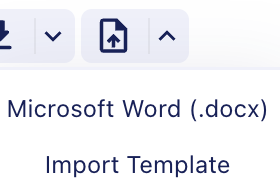
- In the Document Builder, you will find the "„Import Document“ icon. Here you can choose whether you want to import an existing template into Fides or upload a document from your computer yourself.
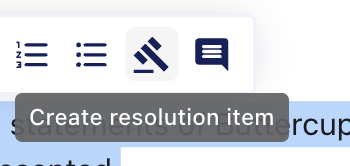
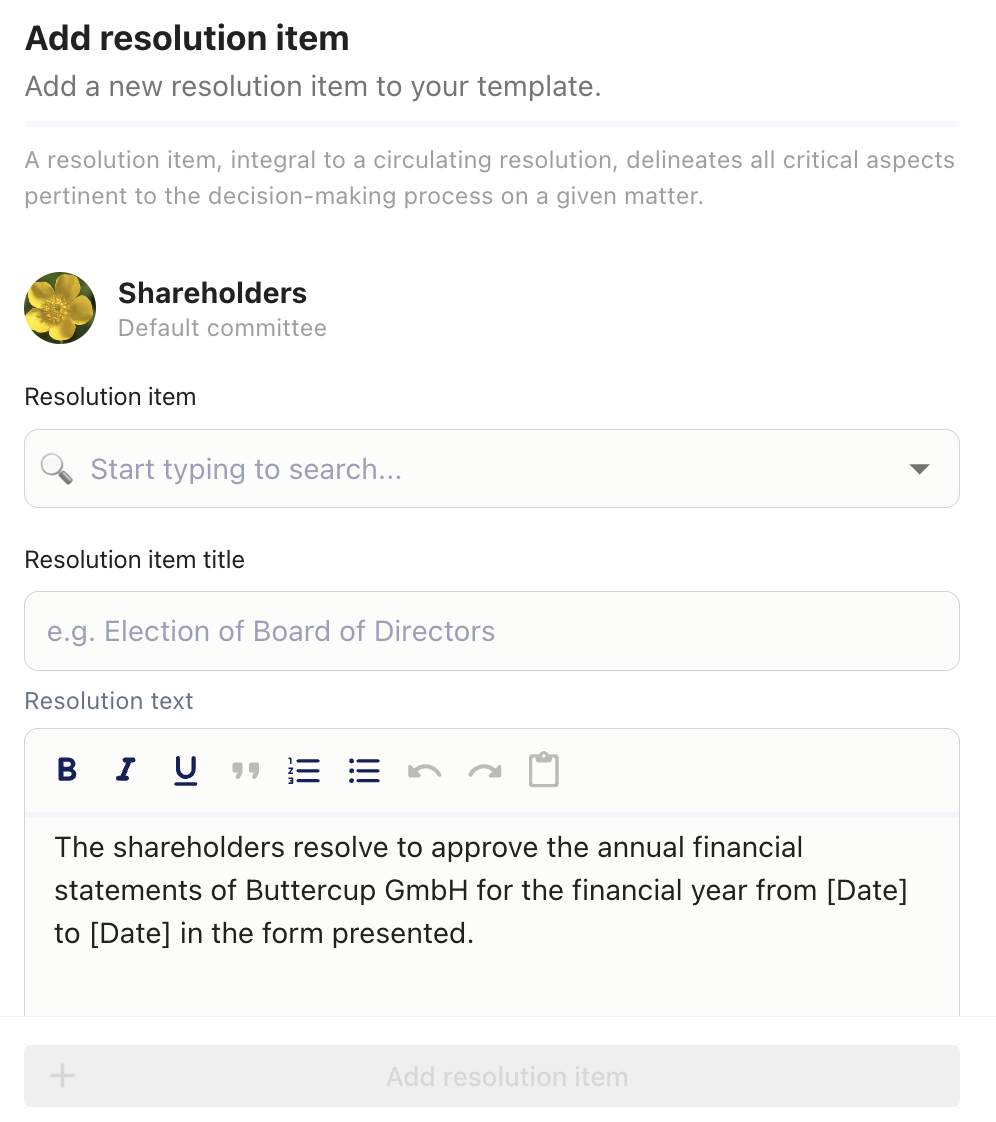
- Once uploaded, it is important to mark the resolution items and click on the hammer icon. This creates resolution items that are linked in Fides to the resolution item catalog. This step is very important, as otherwise, you will not be able to access the resolution items in later meetings or they will not appear in the resolution. Here you only need to add the title of the resolution item.
- There is also the option to add more resolution items in the top left of the Document Builder under "+ Resolution". Here you can either select an existing resolution item from the resolution item catalog or create your own resolution item with resolution text.
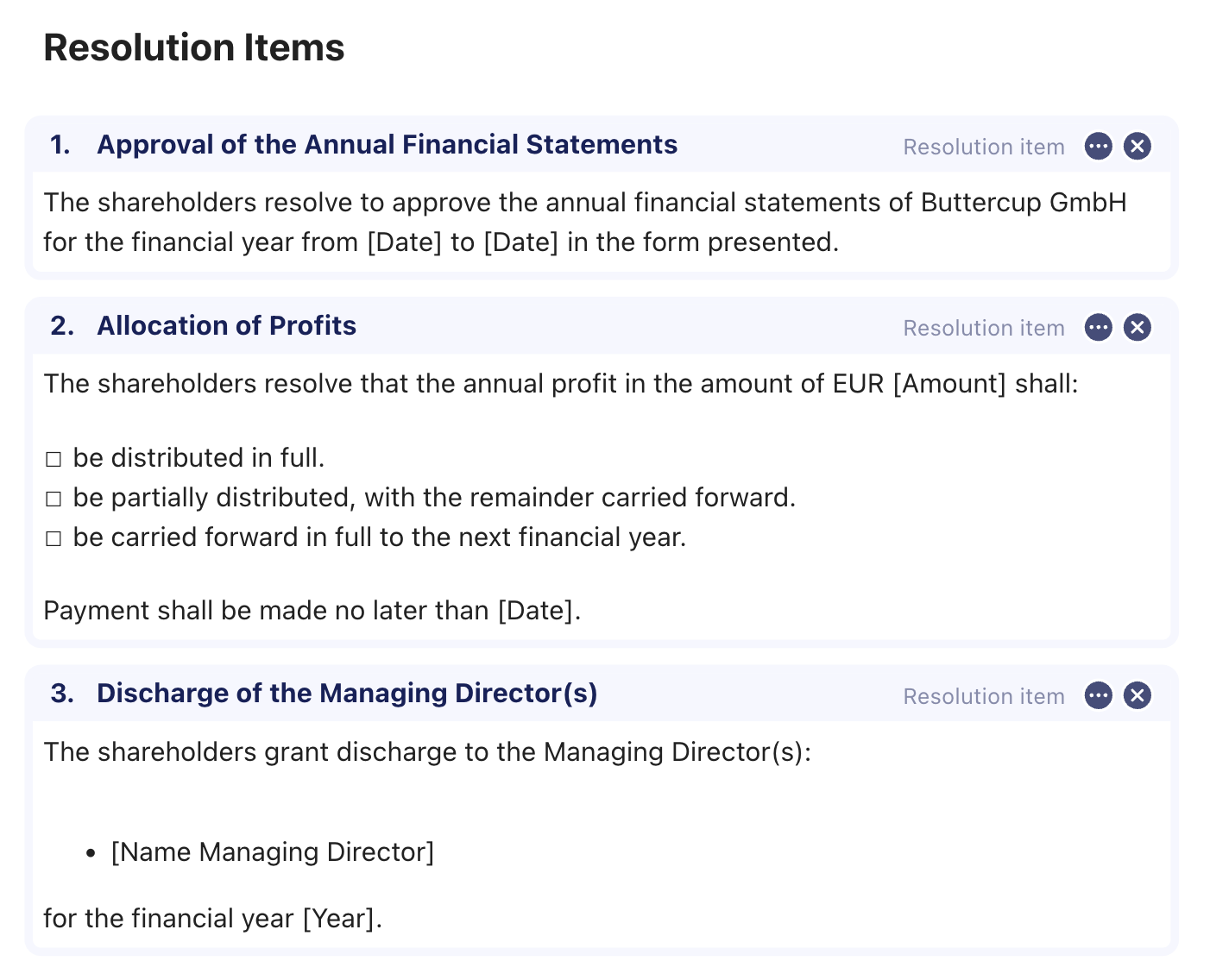
- Finally, the document should be filled with resolution item "„boxes“. These "„boxes“ can be edited at any time by clicking on the three dots.