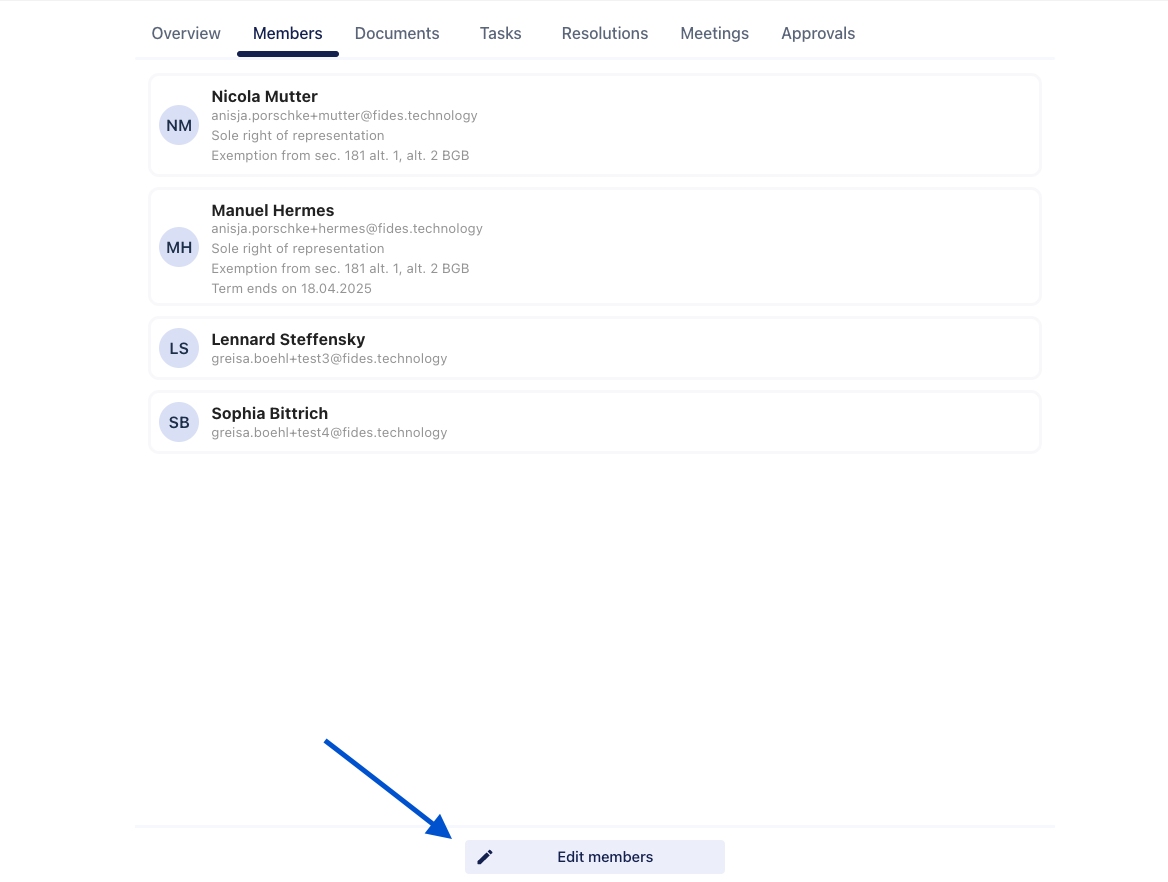
How do I add committee members or subcommittee members?
There are several ways to add members to a committee or subcommittee.
1. Automatic assignment
Certain users are added to committees automatically.
- Shareholders’ Meeting: All shareholders created through the Cap Table are automatically added as members of the Shareholders’ Meeting. Any subsequent changes to the Cap Table are reflected automatically, ensuring that committee membership always matches the current shareholder structure.
- Management: All users created as authorized representatives are automatically added to the Management committee.
2. When creating a new committee
When you create a new committee, you can add members as part of the setup process.
- Go to Committees.
- Click Add committee.
- Follow the guided workflow and add the required members.
3. After a committee or subcommittee has been created
You can also add members after the committee has been created.
- Go to Committees.
- Open the relevant committee.
- Click Edit in the Members section.
- Add the required members and save your changes.