
How do I use the Participants tab?
To view a list of all participants in a resolution:
- Navigate to Resolutions.
- Select the resolution you want to view.
- Click the Participants tab.
The Participants tab is available while you’re creating a resolution, after it has been drafted, and once it has been completed.
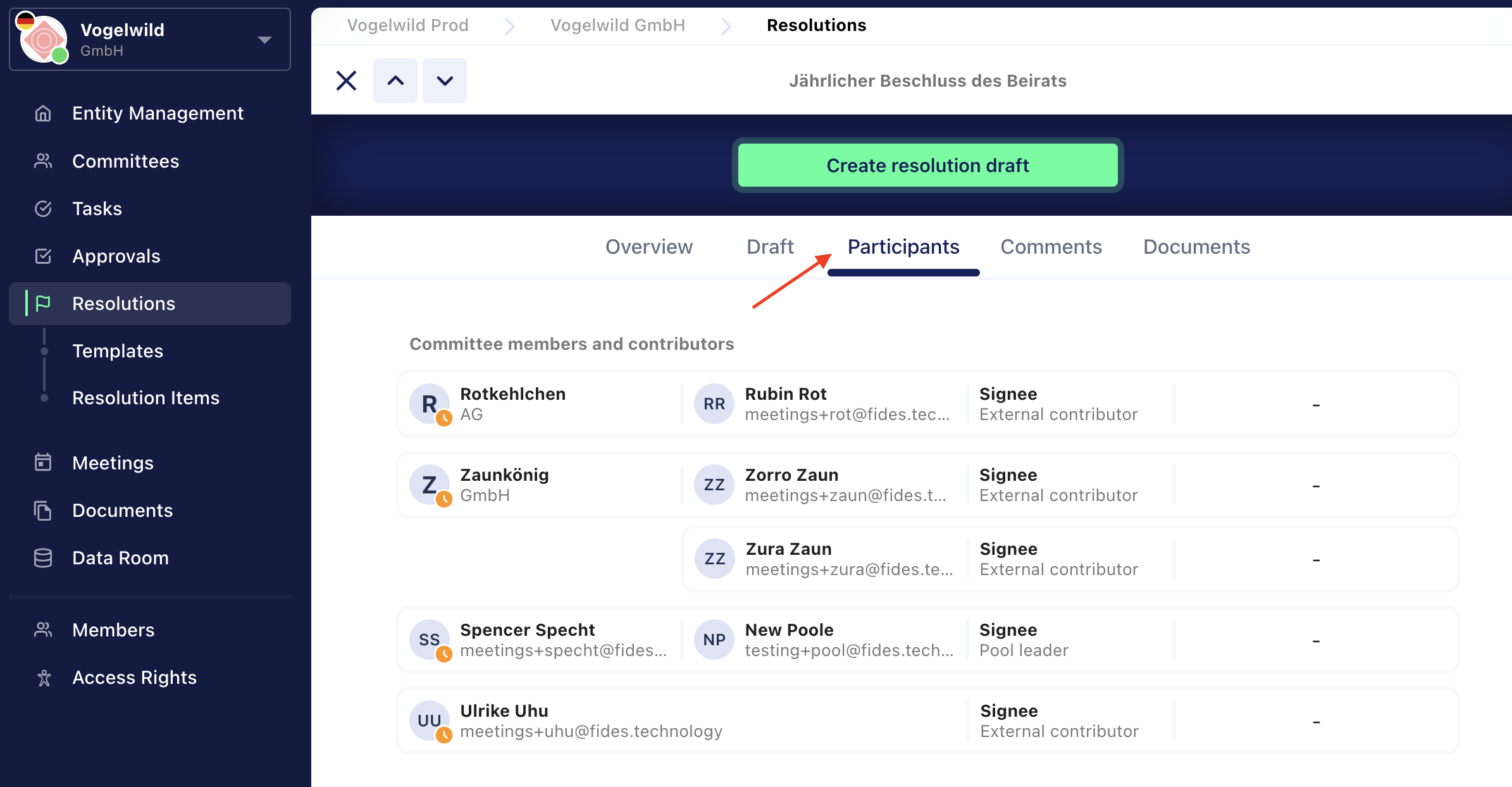
From this view, you can see the following information for each participant:
- Email address
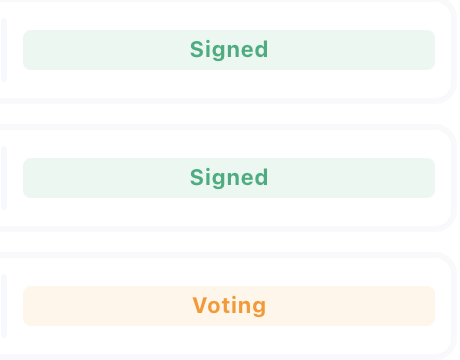
- Resolution status
- Position (for example, Managing Director)
- Participant type (internal or external)
- Assigned observers